Numbers with dollar signs, dashes, and abbreviations — sane.
Currency-aware arithmetic that keeps units straight, expands k/m/b, and handles calculator-style percentages.
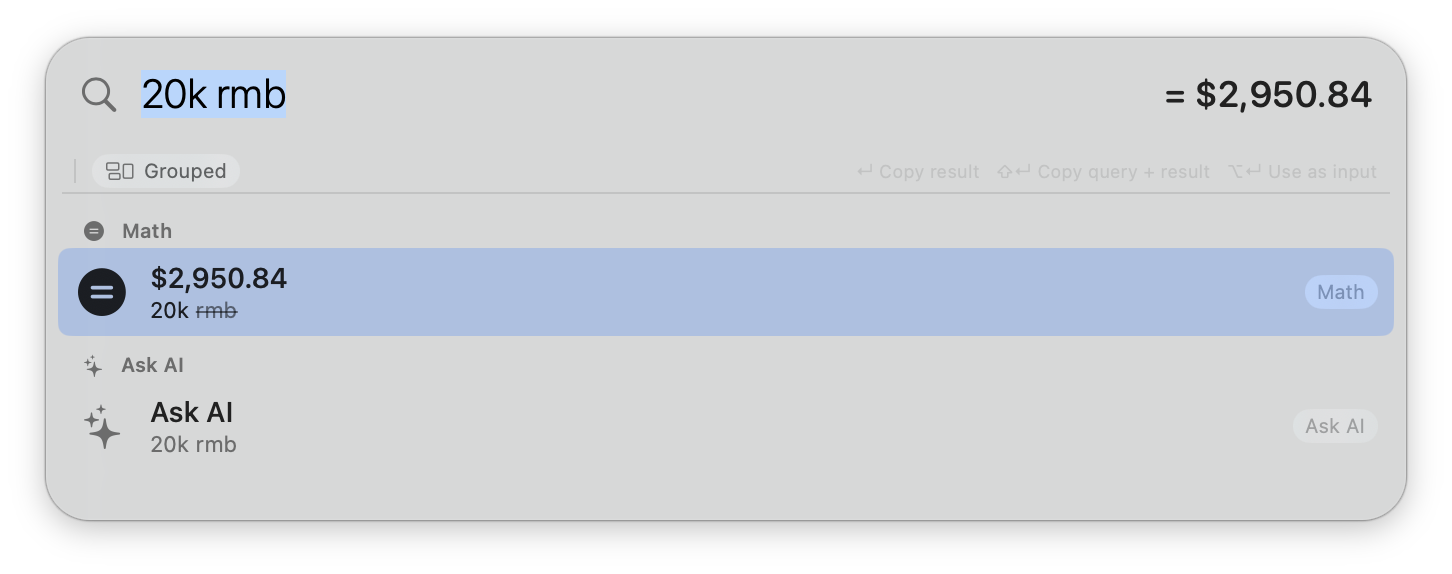
Beam is what happens when Spotlight gets tired of only opening apps. Math, currency, calendar events, contacts, phone calls — one keystroke away.
Beam skips the "which app should I open" step. Type the thing, get the answer.
Currency-aware arithmetic that keeps units straight, expands k/m/b, and handles calculator-style percentages.
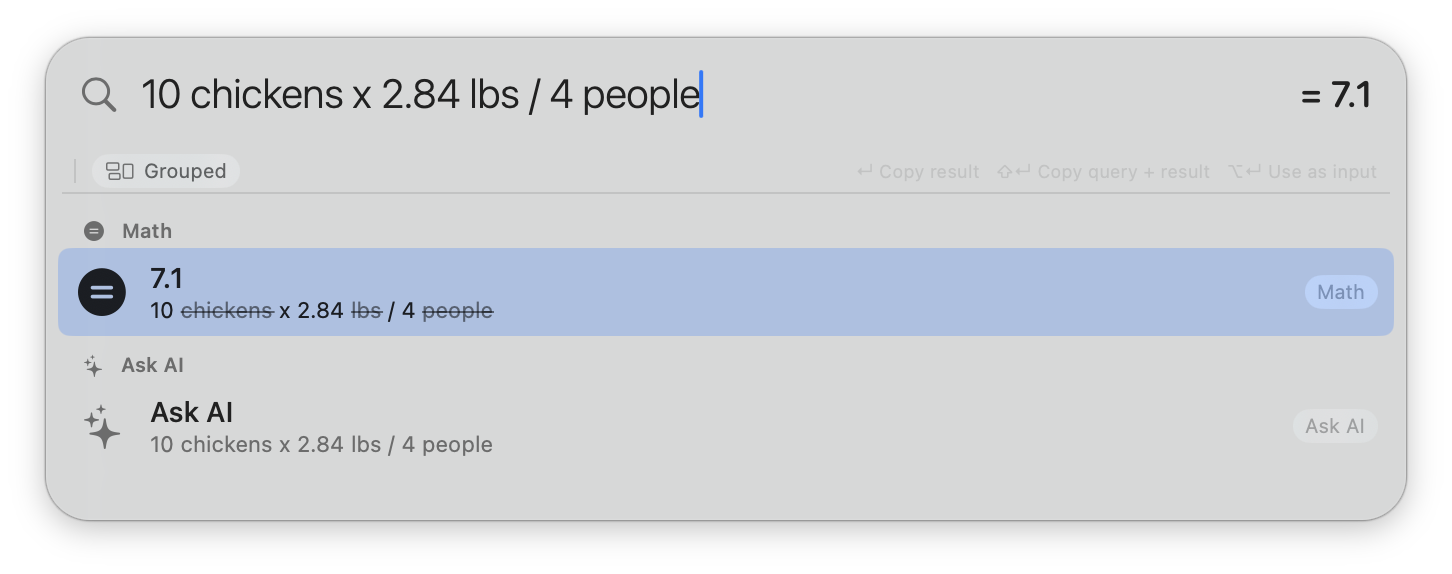
Words like "chickens", "lbs", "people" get struck through so the math runs clean — but Copy query + result keeps them.
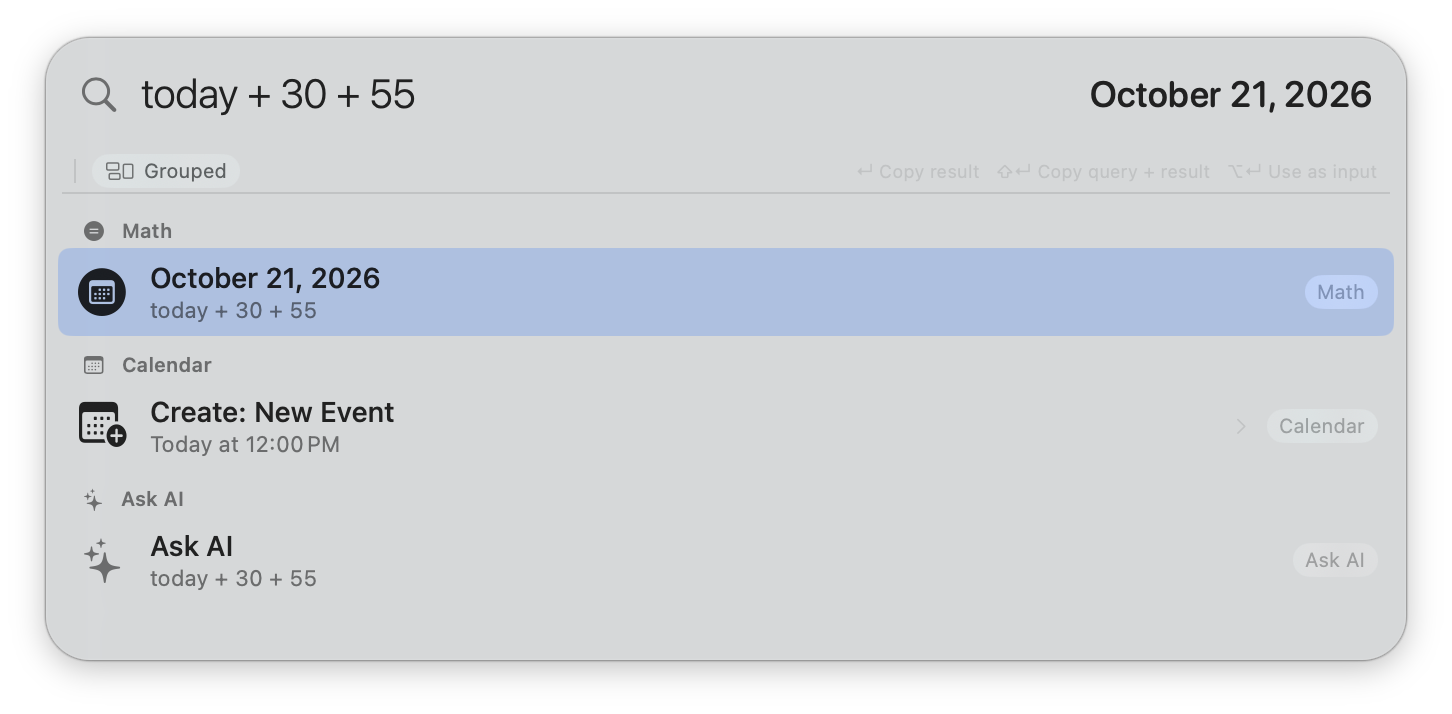
Chain months, weeks, and days — or skip the unit entirely when the base is obviously a date.
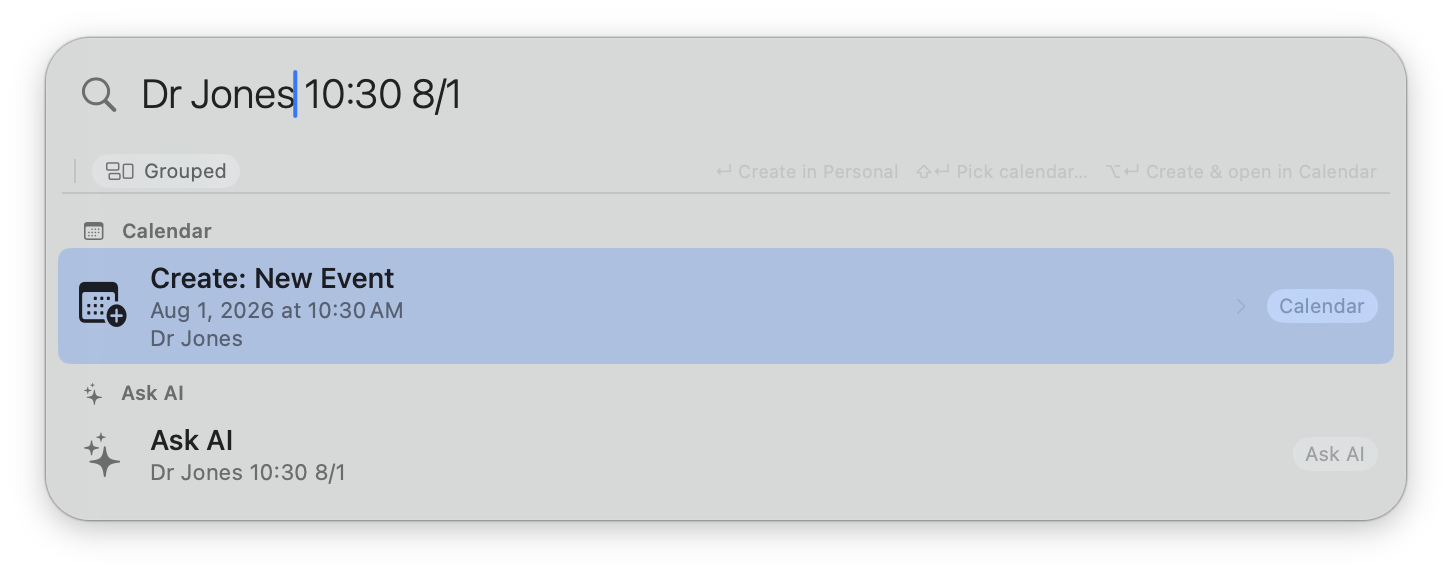
Title, time, and location parsed together. Shift+Enter to pick a calendar; a default calendar lives in Settings.
Enter dials via iPhone Continuity through Contacts.app — no popup, no FaceTime window. "All options…" pops a menu with every phone, email, and FaceTime target.
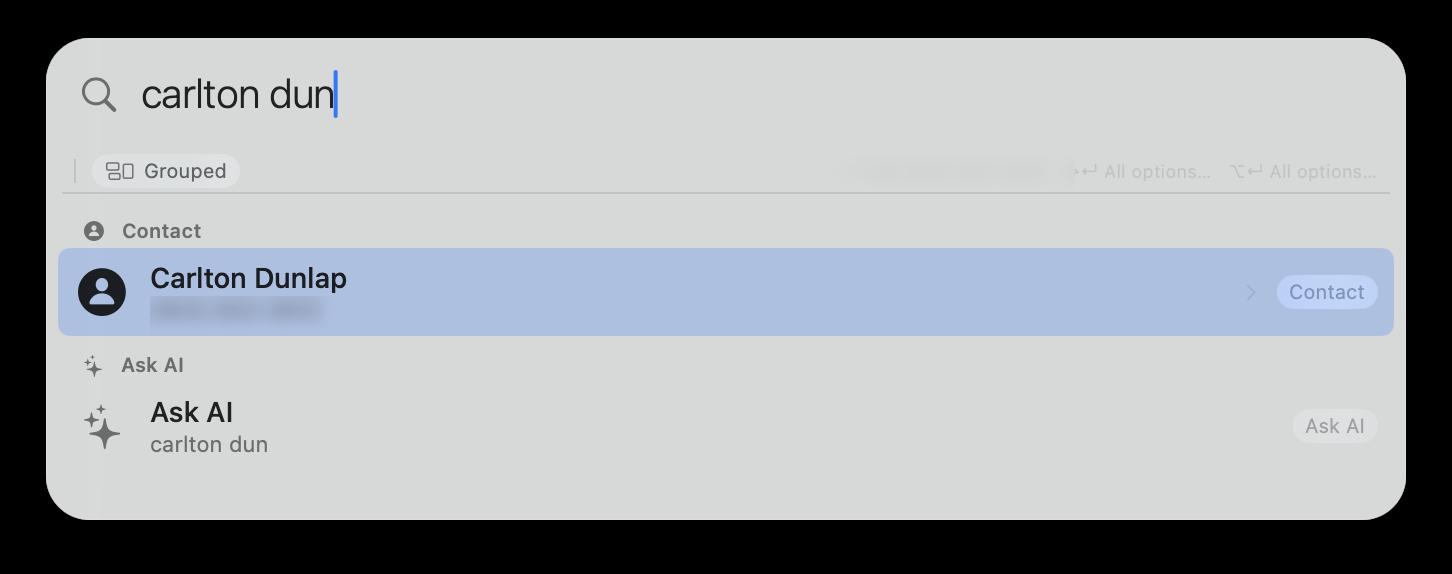
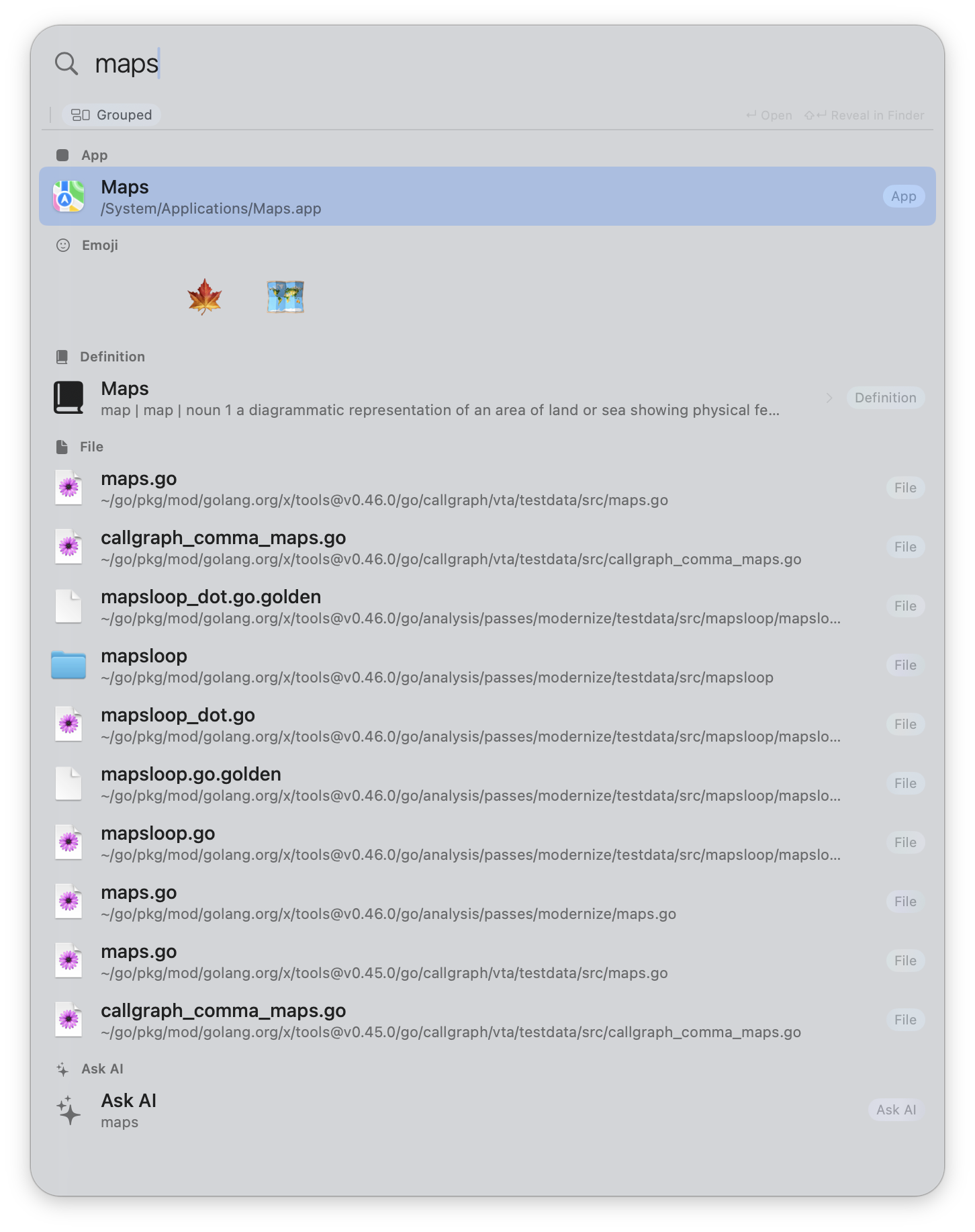
Beam merges results across every searcher and lets you reorder or rebind sections in Settings.
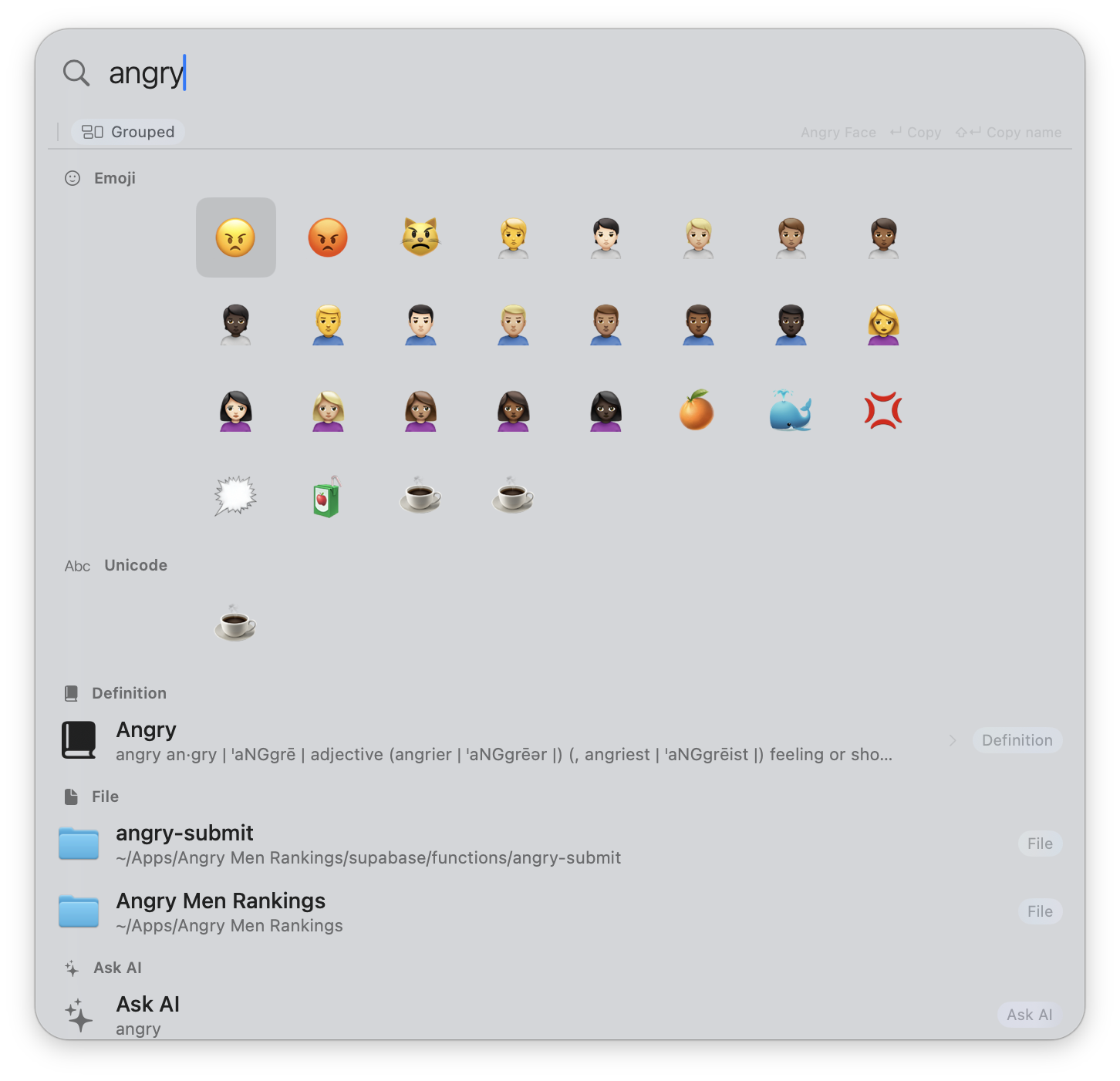
Type any word, get every relevant emoji + unicode glyph. Press Down to focus the grid (blue), then Left/Right/Up/Down to pick.
Signed with Apple Developer ID and notarized. macOS 14 (Sonoma) or later. Universal binary — Apple Silicon and Intel.
Grant Contacts, Calendar, and Automation the first time each is asked. Updates arrive automatically via Sparkle — no App Store required.
Pulled live from the Sparkle appcast the app itself checks against.